
There was a time when security meant securing a single office network. One building, one perimeter, one set of access points to manage. That’s not the reality anymore. Your teams are distributed, working remotely, from hybrid setups, across home offices and shared spaces.
And while where people work has changed, ITAR compliance hasn’t. The U.S. Department of State’s ITAR regulations don’t make exceptions for flexible work models. Whether your team is in HQ or fully remote, the same strict controls apply.
The problem:
- How do you prevent unauthorized access when devices are not connected to the network?
- How do you track who’s handling export-controlled data, and how?
- How do you prove compliance to auditors without slowing your teams down?
We’ll guide you through what controls, processes, and tools remote and hybrid teams need to stay ITAR-compliant, without bringing productivity to a halt.
🛡️ Keep Your Remote Teams ITAR-Ready
Prove compliance without slowing your team down.
What Makes ITAR Compliance Challenging for Remote and Hybrid Teams?
First off, why isn’t securing export-controlled data as simple as using a VPN or cloud storage?
It’s because ITAR demands more than general security best practices. It requires demonstrable controls around:
- Who has access to export-controlled data
- Where that data is stored and processed
- How that data is transmitted
With hybrid teams, the physical perimeter is gone. Employees may work from shared spaces, use personal devices, or connect via public networks. That dramatically increases the risk of:
- Unauthorized access by non-U.S. persons
- Data leakage through unsecured channels
- Audit failures due to insufficient access controls and tracking
What Core Capabilities Should Your ITAR Compliance Setup Include?
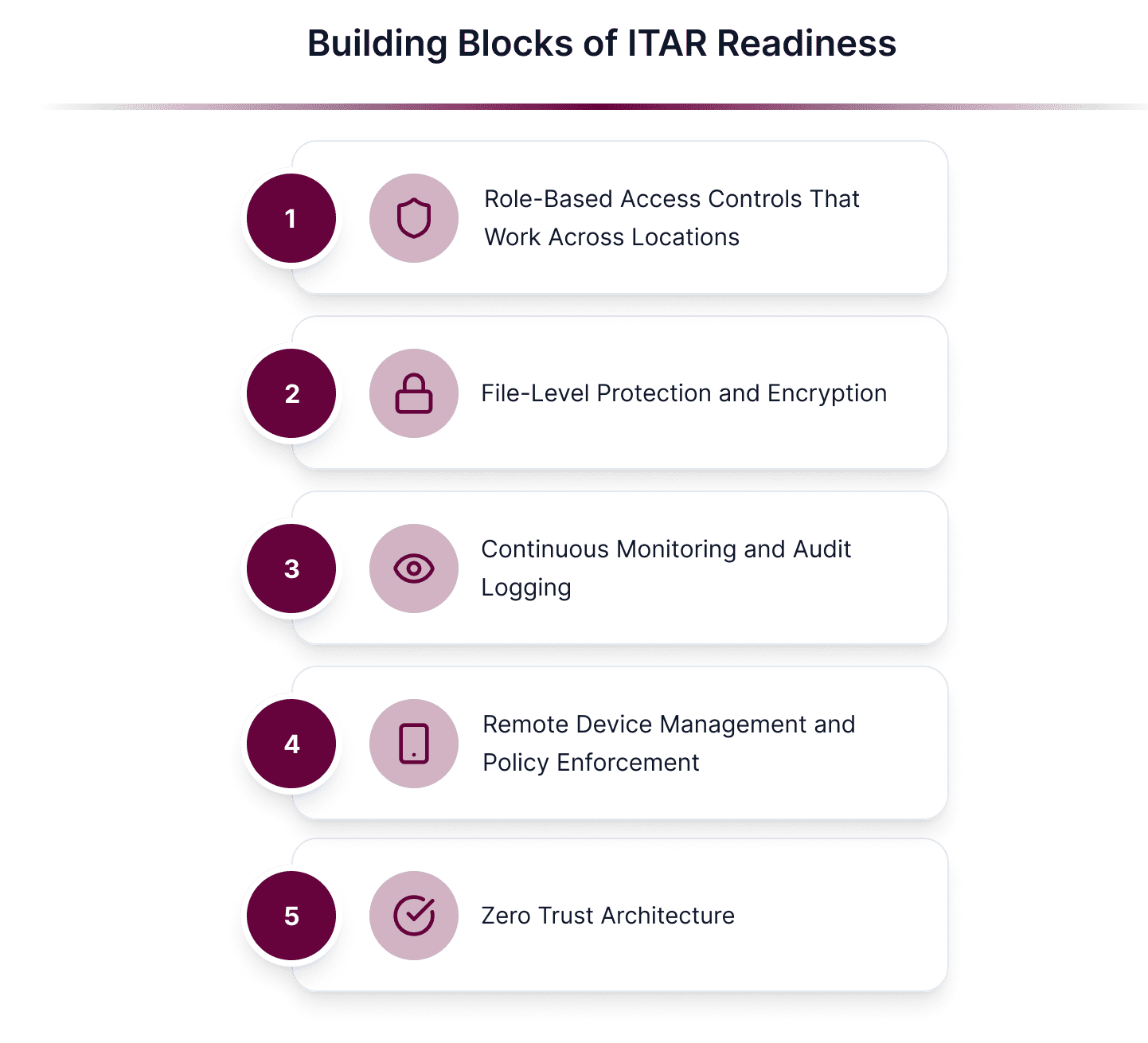
1. Role-Based Access Controls That Work Across Locations
Your compliance framework needs to enforce strict, role-based access controls (RBAC), with identity verification that travels with the user, not tied to a device or office network.
2. File-Level Protection and Encryption
ITAR requires more than standard “in-transit” and “at-rest” encryption. Data must remain protected throughout its entire lifecycle. That’s why true end-to-end encryption (E2EE) is essential, ensuring files stay encrypted from creation, through transfer, to authorized access.
Theodosiana takes this further with encryption-in-use, keeping data secure even while it’s being processed, and by using FIPS 140-3 validated encryption modules, meeting the highest U.S. government standards for cryptographic security.
File-level encryption ensures protection even if files leave controlled environments, a must-have for remote sharing and collaboration under ITAR.
3. Continuous Monitoring and Audit Logging
For ITAR, it’s not enough to say you had access controls in place. You have to prove it through:
- Real-time monitoring
- Detailed logs showing who accessed which file, when, and where
- Alerts for policy violations
4. Remote Device Management and Policy Enforcement
Whether it’s a company laptop or a BYOD scenario, remote device management tools allow you to:
- Remotely wipe devices if they’re lost
- Enforce security policies like encryption and screen locks
- Monitor compliance without needing physical access
5. Zero Trust Architecture
A zero-trust approach means every access request, regardless of location, is verified, authenticated, and authorized before granting access to controlled data. This prevents gaps in coverage when users work outside the traditional office perimeter.
How Theodosiana Helps Remote Teams Stay ITAR-Compliant
Theodosiana delivers file-level control and visibility, purpose-built for organizations handling export-controlled data in flexible work environments. With:
- Granular access controls
- End-to-end, file-level encryption using FIPS 140-3 validated modules
- Remote monitoring and automated audit trails
- Easy integration with existing identity management systems
- All data processing occurs in a FedRAMP-authorized environment
So, you can scale secure collaboration without adding friction to your team.
Why ITAR Compliance Needs to Be Location-Agnostic
Whether employees are in the office, working remotely, or switching between both, ITAR compliance doesn’t change. Security controls must follow the data, not the device or the network. Building these controls now helps reduce audit risk, streamline operations, and prevent last-minute compliance gaps as your team’s work model evolves.
🛡️ Make Remote ITAR Compliance Simple
See how Theodosiana can help secure your remote/hybrid workforce.
FAQs: ITAR Compliance for Remote and Hybrid Teams
How does remote work complicate ITAR compliance?
Remote and hybrid work environments increase the number of locations, devices, and platforms where ITAR-controlled data can be accessed. Traditional perimeter-based controls are harder to enforce, making it more difficult to ensure that sensitive technical data remains protected and compliant at all times.
How can ITAR data remain compliant across cloud storage and collaboration tools?
ITAR data can remain compliant by applying file-level encryption and access controls that persist regardless of where files are stored or shared. This ensures sensitive data remains protected across platforms like SharePoint, Google Drive, email, and endpoints used by remote teams.
Why is continuous access verification important for remote teams?
Remote work relies heavily on cloud identity and valid credentials. Continuous access verification ensures that each file access is evaluated in context, reducing risk during role changes, contract transitions, or access extensions common in distributed teams.
How does data-centric security support ITAR audits for remote workforces?
Data-centric security provides clear, auditable proof that ITAR-controlled data was protected at all times, regardless of user location or device. This evidence simplifies audits and helps demonstrate compliance even in highly distributed environments.